Local Government Areas Nsw Map . 4157x2101 / 2,94 mb go to map. The local government areas of new south wales, australia have been subject to periodic bouts of restructuring and rationalisation by the state government, involving voluntary and involuntary amalgamation of areas. Ward boundaries could be in breach of Local Government Act Central from coastcommunitynews.com.au Please select from the below options to learn more about the benefits of nsw councils and the services they provide, plus find information about council elections, becoming a councillor and more. Cessnock maitland midcoast port stephens singleton. Find your local council flood information:
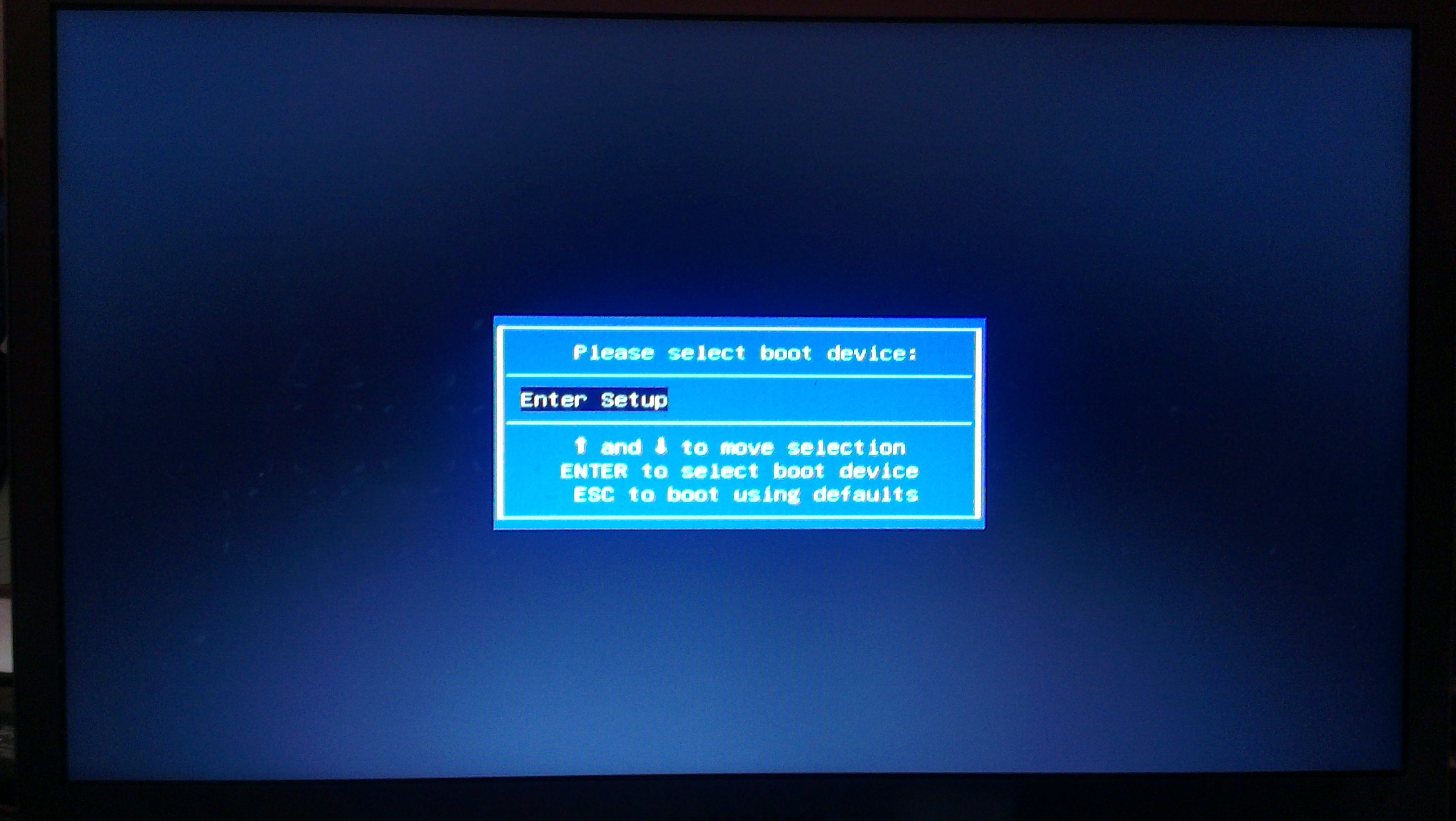
All Boot Options Are Tried Can't Enter Bios. I had a look at the manual, but pressing the escape and f keys don't work and just crash my machine. I just finished my new rig and i can't enter the bios to set my boot drive.
laptop Samsung Series 5 BIOS not detecting any bootable devices from superuser.com
I've tried every usb port on the motherboard, reflashing the bios via bios flashback, and even went out to buy a new, wired keyboard assuming it would fix the issue. It will turn off your computer. It still boots to windows fine but i can no longer go into the bios or the boot menu.
After That, Go To Advanced Options, Then Uefi Firmware Settings.
“all boot options are tried. I was directed to change the bios from fast boot and secure boot to enable the usb boot option. Hi dalchina, thanks for the post!
It Still Boots To Windows Fine But I Can No Longer Go Into The Bios Or The Boot Menu.
Turning off fasboot from windows and gigabyte app center. The boot device menu is not found in windows at post time but an optional boot menu you bring up at post time. C) open the side panel and press and hold the cmos reset button for 5 seconds.
All Boot Options Are Tried.
No advanced grapchic option in bios: Windows run normally but i can not enter bios/uefi to make some changes. 3) try a cmos reset;
I Tried The Uefi Troubleshooting Method.
It will turn off your computer. Select the recovery tab from the left pane, and then the restart now button beneath the advanced startup section. Disable fast boot if you want to use boot menu.
According To The Description, It Looks Like The Fast Boot Setting Is Enabled.
Open the machine, if you boot in f10 or f12, do ctrl+alt+delete to restart and then f2. The bios/firmware setup comes before the bootloader which comes before the rest of the os, so this is well before the os starts. See if you can access the computer with fatdog64.


Comments
Post a Comment